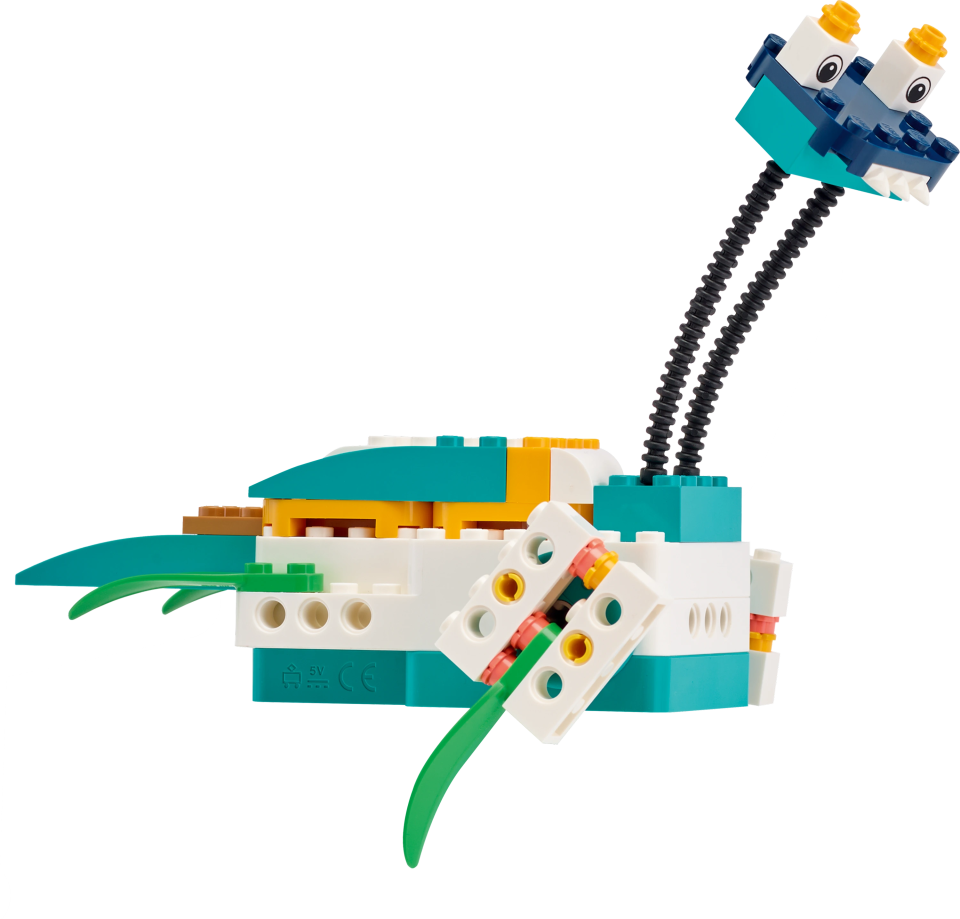
Computer Science & AI Kit Year 4-6

The full LEGO® Education CS & AI experience with 30 lessons
- Develops pupils’ AI literacy skills
- Safe, meaningful and creative experiences
- Supports AI learning progression
- AI-based computer vision features
- AI possibilities and challenges presented in an age-appropriate way
- Everything saved locally – no login or sharing of pupil data. See how we design AI for safe learning
How it works


Unit overview
Intuitive-to-teach scope and sequence across 6 units
Unit structure
4 lessons + 1 design challenge per unit with built-in progression
All you need for effective prep and teaching
LEGO® Education Computer Science & AI comes with a dedicated, free online Teacher Portal that includes everything you need for effective teaching - from materials to help you get started and classroom presentations, to facilitation notes and a library of lessons.
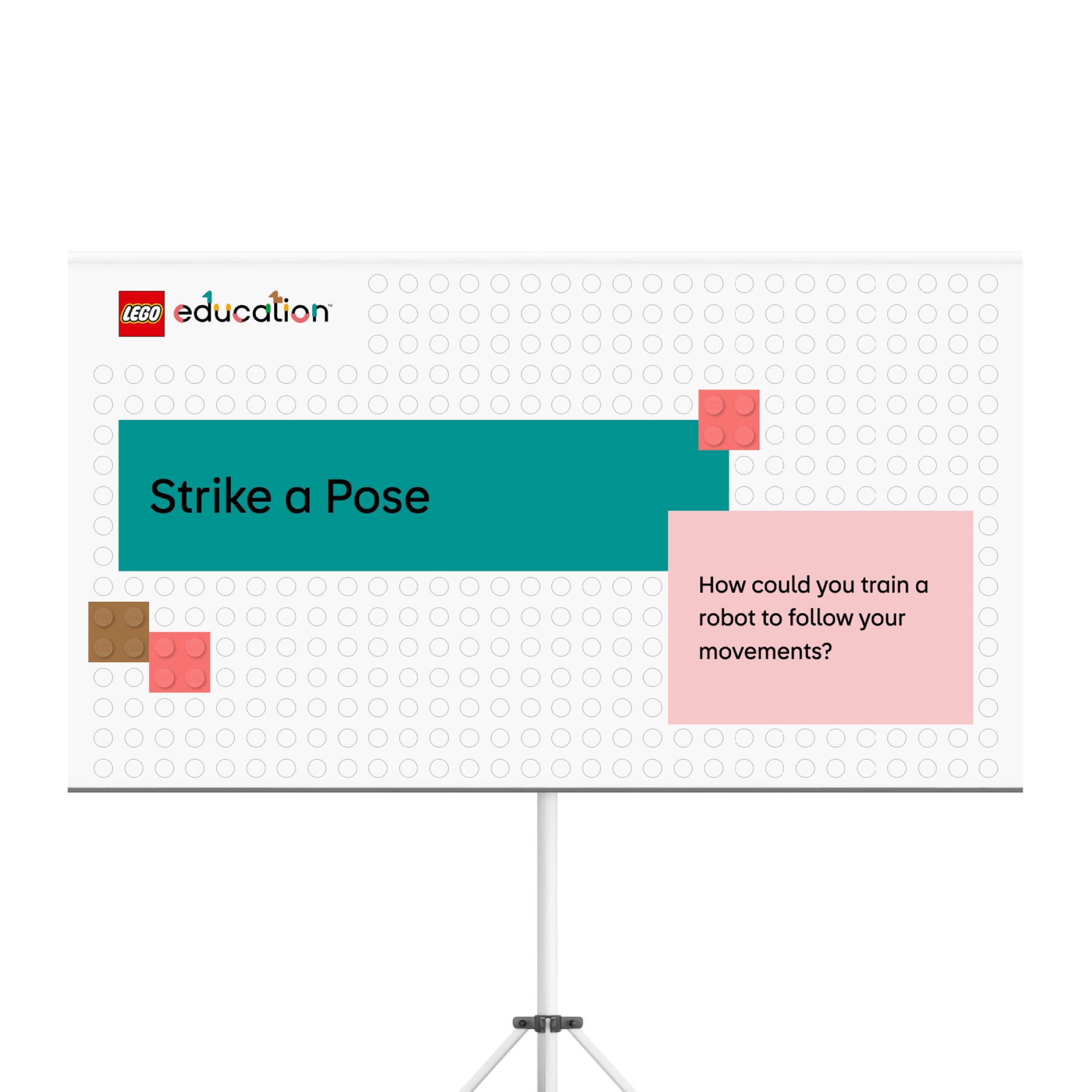
- Inspires curiosity through guided, enquiry-based learning in the classroom with built-in questions and teacher support.
- Displays a timer to help pupils and teachers manage their time and focus.
- Connects to real-world examples that make computer science come alive.
- Invites pupils to demonstrate their CS and AI knowledge and skills.

- Guides teachers through the lesson with notes aligned to the presentation slides, to simplify lesson preparation and delivery.
- Prepares teachers with background knowledge on computer science concepts and vocabulary for each lesson.
- Includes guidance for pupils working in groups of four and their roles.
- Provides estimated timing for each part of the lesson.

- Lessons begin with "I can" statements and the lesson objective, to motivate pupils to learn with purpose.
- Each lesson includes an evaluation phase that empowers pupils to show what they know.
- Evaluation rubrics are included to support teachers and pupils as they assess and celebrate learning.
FAQ
If your current LEGO Education products are meeting your learning goals, your reseller will continue to support you with your implementation. Should your school’s needs or challenges evolve, your reseller can help reassess how LEGO Education solutions, including LEGO Education Computer Science & AI, can best support your goals.
The LEGO® Education Coding Canvas is designed to be safe and secure for students to use. First, there is no student login. Everything runs locally on the student's device, and no images or personal data is collected by LEGO Education or any third party. The AI feature never collects or saves the images, so even if students share their projects with other students or teachers, the images used in the process are not saved and therefore not shared. See how we design AI for safe learning
We developed the curriculum to use devices in a way that enhances learning, but they aren’t the focus. For some lessons, students will need access to a device, like a laptop, Chromebook, or iPad, to use the LEGO Education Coding Canvas App. Only one device is needed per group of four students. Some lessons are “screen-free” and don’t require students to have devices.
Teachers will need a computer with an internet connection to access resources on the Teacher Portal, as well as a projector or screen to share lessons with the class.
Designing a solution that meets the needs of all students and teachers was a key focus during development. We’re excited to provide an easy entry point for students who are new to computer science, with lessons that begin with foundational concepts and gradually build their understanding. At the same time, advanced learners can explore more complex challenges with the unlimited potential of the LEGO Education Coding Canvas or the Python package.
The included facilitation notes also help teachers differentiate instruction, ensuring all students can find meaning, joy, and success in their learning journey.
While free tools provide valuable resources for individual learning, LEGO Education offers a unique approach by emphasising collaboration and hands-on learning, allowing students to engage with computer science and AI concepts in a tangible way. This collaborative environment not only enhances comprehension but also prepares students for real-world scenarios where teamwork and problem-solving are crucial.
Additionally, LEGO Education is committed to integrating AI safely and effectively, offering an extensive educational experience that goes beyond basic coding skills. See how we design AI for safe learning